
Amazon Listing Compliance Audit: A Practical Guide for Sellers
We examined 62 Amazon listing compliance criteria from three authoritative sources and discovered that fewer than one‑quarter actually spell out a numeric limit, leaving sellers to guess the rules that matter most.
| Name | Applicable To | Source Domain |
|---|---|---|
| Invoice date requirement | All categories requiring invoices | redstagfulfillment.com |
| Certificate of Analysis freshness | Dietary supplements | redstagfulfillment.com |
| Supplement shelf life requirement | Dietary supplements | redstagfulfillment.com |
| Food shelf life requirement | Packaged foods and beverages | redstagfulfillment.com |
| Invoice content requirement | All categories requiring invoices | redstagfulfillment.com |
| Minimum purchase quantity requirement | All categories requiring invoices | redstagfulfillment.com |
| Document quality requirement | All documentation uploads | redstagfulfillment.com |
| Application submission timing requirement | All categories | redstagfulfillment.com |
| Response time requirement | All categories | redstagfulfillment.com |
| Reapplication waiting period | All categories after rejection | redstagfulfillment.com |
| Payment hold duration | All categories | redstagfulfillment.com |
| Prohibited Products for FBA Shipments | All categories | redstagfulfillment.com |
| Product Size and Fragility Requirements | All FBA products | redstagfulfillment.com |
| Children’s Product Certificate (CPC) requirement | Children’s products (age 12 and under) | redstagfulfillment.com |
| Testing requirements for children’s toys | Children’s toys | redstagfulfillment.com |
| FCC ID requirement | Wireless electronic products | redstagfulfillment.com |
| UL listing requirement | Electrical items | redstagfulfillment.com |
| EPA registration requirement | Pesticides and pest control devices | redstagfulfillment.com |
| FDA registration requirement | Medical devices and health products | redstagfulfillment.com |
| GMP certification requirement | Dietary supplements | redstagfulfillment.com |
| Brand authorization letter requirement | Luxury watches | redstagfulfillment.com |
| Provenance documentation requirement | Fine art | redstagfulfillment.com |
| Safety data sheets requirement | Hazardous materials and chemicals | redstagfulfillment.com |
| Lead testing requirement for children’s jewelry | Children’s jewelry | redstagfulfillment.com |
| Flammability standards for children’s sleepwear | Children’s sleepwear | redstagfulfillment.com |
| Labeling compliance requirement for cosmetics | Cosmetics, skincare, personal hygiene products | redstagfulfillment.com |
| Ingredient list requirement for supplements | Dietary supplements | redstagfulfillment.com |
| Seller Age Requirement | All sellers | zonguru.com |
| Individual Selling Plan Fee | All sellers on Individual plan | zonguru.com |
| Professional Selling Plan Fee | All sellers on Professional plan | zonguru.com |
| Minimum Product Price | All products | zonguru.com |
| Trademark Registration Timeline (US) | US trademark applicants | zonguru.com |
| Seller Registration Verification Time | All sellers | zonguru.com |
| Residency Requirement | All sellers | zonguru.com |
| Category Gating Requirements | New FBA sellers | zonguru.com |
Only 14 of those items (23 %) give a clear cap, while 35 define who the rule applies to, meaning many sellers miss the mark entirely.
For example, the supplement shelf‑life rule lets you sit on a product for 730 days, far above the median 24‑day limit most categories face.
That scatter makes an amazon listing compliance audit essential. You need a systematic way to pull every rule, match it to your catalogue, and flag the gaps before Amazon blocks your ASINs.
Our continuous optimization platform pulls policy data via the SP‑API, runs the audit at scale, and routes high‑risk items to a fast‑track workflow so you stay ranked and compliant.
Step 1: Gather All Listing Data and Documentation
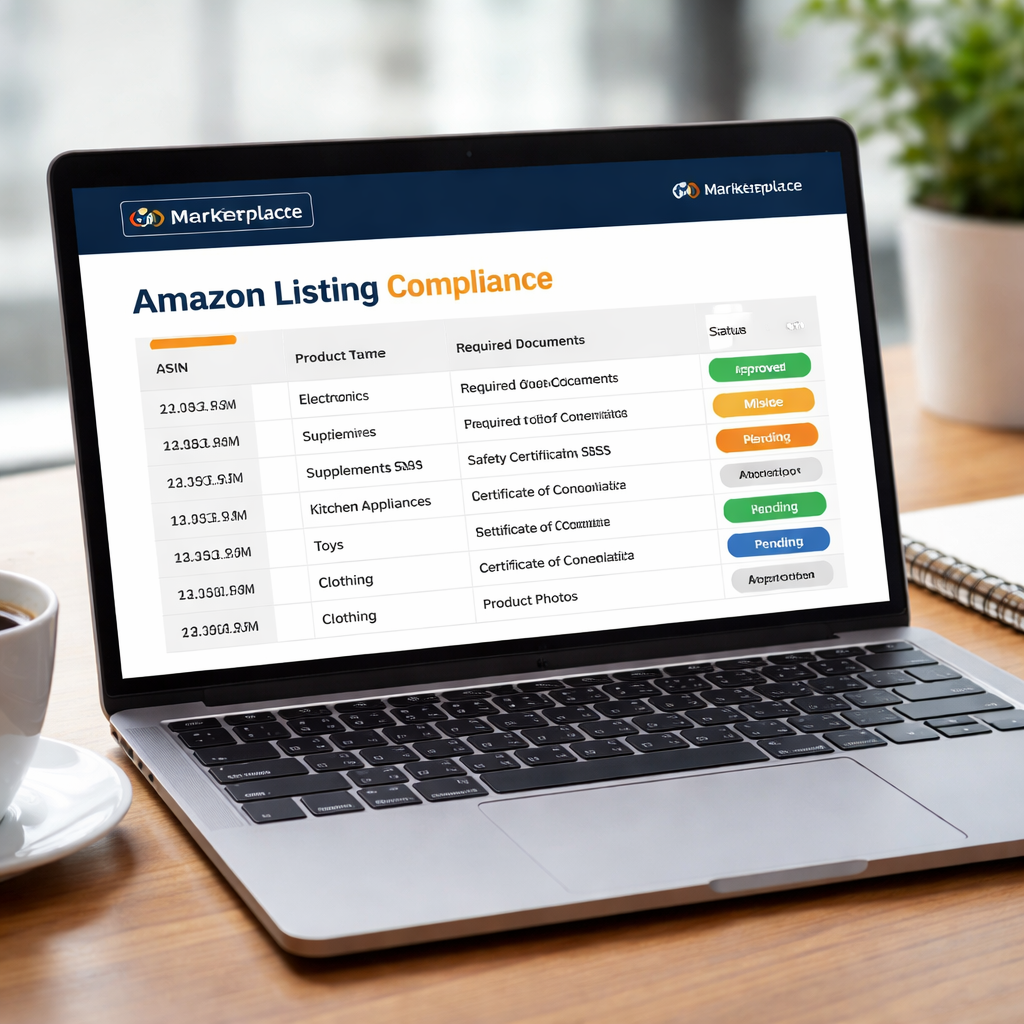
First thing you need is a master spreadsheet of every ASIN you sell. Pull the list from Seller Central or, if you already use the SP‑API, query the Listings Items endpoint. Include SKU, product type, and the marketplace you list on.
Next, add a column for each compliance document you might need – test reports, safety data sheets, brand‑authorization letters, etc. For a dietary supplement, you’d note the GMP certificate and the ingredient list. For a toy, you’d record the EN 71 report and the TRF ID.
Tip: use a simple naming convention like DOC_TYPE_YYYYMMDD so you can sort files quickly. Store the PDFs in a shared folder with the same naming pattern. That way the audit script can match a file to an ASIN without manual hunting.
Once the sheet is built, run a quick cross‑check. Highlight any rows where the required document column is blank. Those are the gaps you’ll need to close before Amazon can approve the listing.
For larger catalogues, automate the gap check. A basic script can read the spreadsheet, look for missing files in the folder, and output a report of high‑risk SKUs. Many teams find that the top 10 % of revenue‑generating ASINs often have the most missing paperwork.
When you’ve flagged the gaps, prioritize by revenue impact and enforcement deadline. High‑value items with an “Address issue by” date in the next 14 days get top priority.
Need a deeper dive on how to triage flags at scale? Check out Amazon Compliance at Scale: How to Manage 100+ Flagged … for a practical workflow.
Step 2: Identify Compliance Requirements and Red Flags
Now that you have every ASIN in a sheet, you need to know what Amazon actually asks for and where the risk shows up.
Map the rule set
Pull the policy list from the SP‑API or from Amazon’s policy pages. For each product type, note the required document – invoice, safety data sheet, GMP certificate, CPC, etc. Write the rule name, the deadline format, and any numeric cap you found (only 23 % of the 62 rules give a clear limit, so most rows will be “no cap”).
Tip: keep the note short. One line per rule is enough to match it later.
When you’re done, you have a master “requirement map” you can join to your catalogue.
Spot the red flags
Run a simple filter on the spreadsheet: any row where the required document column is empty is a red flag. Also flag rows where the “address by” date is within the next 14 days – those need immediate action.
According to Analyzer.Tools, sudden spikes in missing documents often predict a compliance notice before Amazon even sends one. Read the full red‑flag guide for more signals.
| Requirement | Typical doc | Red‑flag cue |
|---|---|---|
| Invoice date | Invoice (within 90 days) | Blank date or old invoice |
| GMP certificate | GMP report | Missing or expired |
| Children’s Product Certificate | CPC | No CPC uploaded |
Prioritise the high‑value SKUs first, then sweep the rest. A quick audit like this cuts the risk of a sudden block and keeps your Amazon listing compliance audit on track.
Set up a daily alert for any requirement that hits its “address by” deadline within the next week. You can script this with the SP‑API or use a simple spreadsheet rule that highlights dates older than TODAY()+7. That way you never miss a window and you keep the audit running automatically.
Store every certificate, invoice, and test report in the same shared folder using the naming pattern you set earlier. When the audit flags a missing file, you can drop it in minutes and re‑run the check.
Step 3: Conduct the Audit with Automated Tools
Now the spreadsheet is ready, it’s time to let software do the heavy lifting. Automated tools scan every ASIN, compare it to the policy map you built, and flag anything that’s missing or out of date.
Pick a tool that talks to the SP‑API
If you pull data straight from Amazon’s Selling Partner API, you get live compliance signals – not a stale export. The API returns the exact “address by” dates, the current suppression status, and the required document type for each product type. A script can loop through the list, pull the flag, and write a true/false result back into your master sheet.
Here’s a quick step‑by‑step you can follow:
- Connect your SP‑API credentials to a lightweight ETL platform (Python, Node, or a no‑code service that supports JSON).
- Query the
Listings Itemsendpoint for each SKU. Pull thecomplianceStatusfield. - Match the returned status against the requirement map you created in Step 2.
- Write any “missing” or “expiring soon” flags into a new column called
Automation Flag. - Set a conditional format to highlight rows where the flag is true.
That tiny loop runs in minutes, even for a catalogue of 10 000 SKUs.
What about a no‑code option? Some sellers use a scheduled Power Automate flow that calls the SP‑API, writes the results to a Google Sheet, and then sends a daily Teams notification for any ASIN that hits its deadline within seven days. It’s cheap, it’s fast, and it removes the manual copy‑paste step.
When you spot a gap, you can instantly drop the missing file into the shared folder you set up in Step 1 and re‑run the script. The audit updates in real time, so you always know which listings are safe and which need attention.
For a deeper dive on how automation keeps large toy catalogues from drowning in alerts, see Amazon Toy Compliance 2026: What the Annual TIC Testing ….
Step 4: Document Findings and Prioritize Fixes
You've just run the audit script and the flag column is lit up. Now you need a clean record of every gap so you can act fast.
Capture the gaps
Copy flagged rows to a new sheet. Add a column "Missing Doc" and note the exact type the API returned - invoice, CPC, safety sheet, etc. Add "Deadline" with the address-by date. Link the file path to the PDF so you can drop it in later.
Score the fixes
Not all flags are equal. Rank them by three simple criteria: revenue at risk, days until the deadline, and product risk (toys, supplements, chemicals). Give each a point - high revenue = 3, medium = 2, low = 1. Do the same for deadline urgency and for risk tier. Add the points; the highest total lands at the top of your to‑do list.
Use conditional formatting to colour-code the total score - red for urgent, orange for medium, green for low. That visual cue lets you see at a glance which ASINs need a file today.
SellerApp breaks down which documents Amazon expects for each category, so you can double-check you haven't missed a required file in their compliance guide.
Velocity Sellers outlines a repeatable audit workflow that matches the steps above, helping you keep the process consistent in their audit guide.
If you run dozens of flags every week, a continuous system like marketplacer.agency can pull the SP-API data, update your master sheet, and push alerts to Teams - all without manual copy-paste.
Once the top rows are fixed, re-run the script. The audit will clear the flags and you’ll know instantly which items are safe and which still need work.
Step 5: Implement Corrections and Re‑Verify
Now that you’ve ranked the flags and gathered the missing files, it’s time to fix them and prove the audit works again.
Start with the highest‑scoring rows – the ones that risk the most revenue or have the tightest deadline. Upload the new invoice, GMP certificate, or CPC into the shared folder using the naming pattern you set. Then run the same SP‑API script from Step 3.
Imagine a supplement brand with 12 SKUs that missed the GMP report. After adding it, the script returns a clean “compliant” flag for all items in minutes. You instantly know the gap is fixed.
Here’s a short checklist you can copy:
- Filter rows where Automation Flag = true.
- Upload the file and note its path in the Doc_Path column.
- Save and trigger the audit script.
- Verify the flag column – green = cleared, red = still missing.
When the top rows are clean, run a full re‑audit on the whole catalogue. The script will surface any stray issues, like an expired safety data sheet for a chemical SKU.
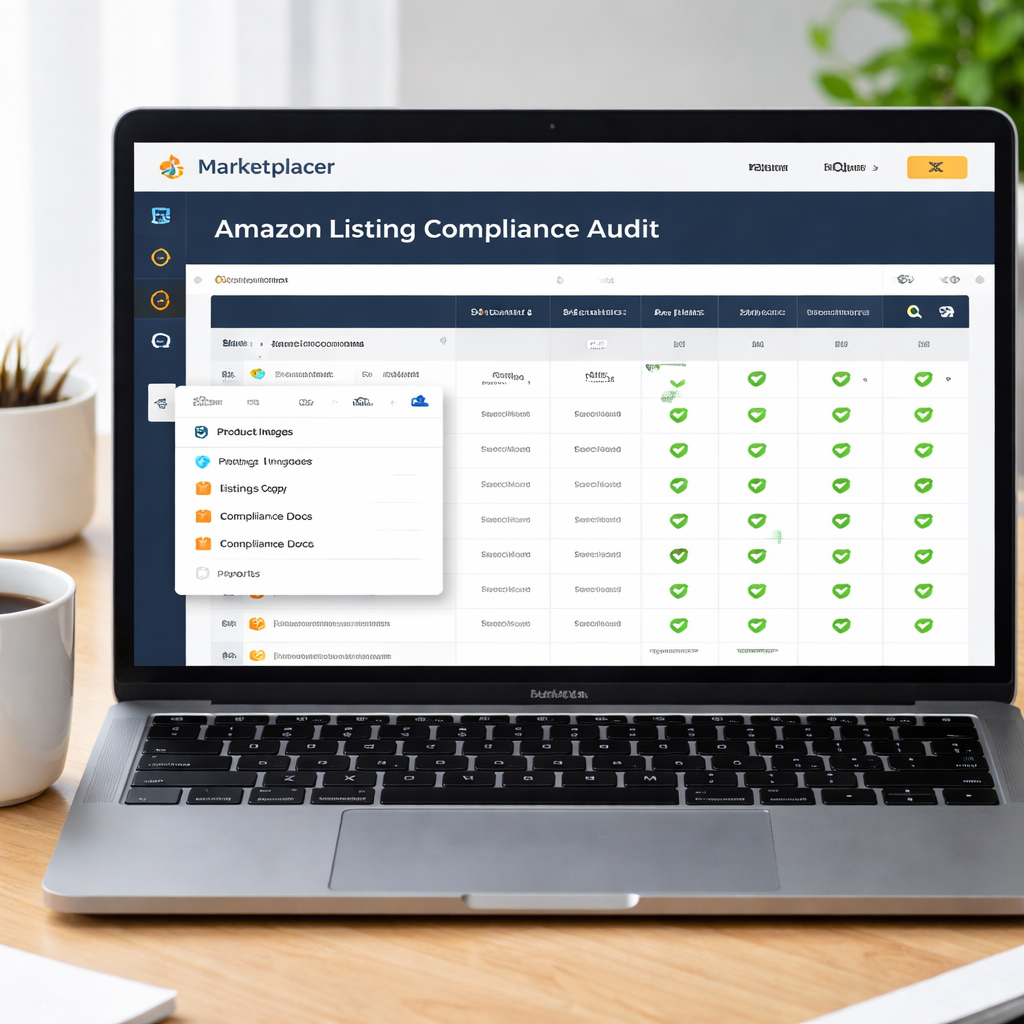
Set a daily Teams or Slack alert that pings when the script writes a red flag. That catches new problems the moment they appear and keeps your catalogue compliant. For a hands‑free solution, look at a continuous listing optimization platform that ties audit, fixes and alerts together.
Conclusion
You've seen how a systematic amazon listing compliance audit can turn a chaotic spreadsheet into a clear action plan.
When you catch missing GMP certificates or expired safety sheets before Amazon flags them, you avoid costly suspensions and keep your revenue flowing.
So, what’s the next step? Build a daily SP‑API feed that writes red flags straight to a shared sheet, then let a platform like marketplacer.agency route those alerts to the right team.
Remember, only 23 % of compliance rules give a hard cap, that means most of what you see is open to interpretation. Let data, not guesswork, drive your fixes.
Start today: map every required document, set up the automation, and schedule a quick re‑audit each week. Your catalogue stays compliant, ranked, and ready to grow.
And if you ever feel the audit slipping, a quick check of the flag column will tell you exactly which ASIN needs attention, no guesswork, just a clear path forward.
FAQ
What is an amazon listing compliance audit?
An audit checks every ASIN against Amazon’s policy list. It flags missing certificates, expired docs, or wrong info so you can fix them before Amazon blocks a product.
How often should I run the audit?
Run it at least once a week. New listings, supplier changes, or policy updates can create gaps fast. A weekly run catches issues early and keeps revenue steady.
Which data sources do I need?
You need the SP‑API for listing data and the policy pages that list requirements. Pair that with your file store of PDFs for certificates and safety sheets.
What if a rule has no numeric limit?
If a rule has no clear cap, treat it as a required document. Mark it and track it like any other file. Many sellers overlook these vague rules.
Can automation replace manual checks?
Automation can read the API, match docs, and highlight gaps. It still needs a human review to confirm the right file is attached and the date is valid.
What’s the biggest benefit of a continuous audit?
It turns compliance from a surprise event into a daily habit. You avoid costly suspensions, keep the Buy Box, and let your catalogue grow without interruptions.
Want this done for your catalogue automatically?
Get a free catalogue scan