
Amazon Seller SEO Services: 4 Essential Strategies for 2026
Amazon seller SEO services aren't a nice‑to‑have; they're the lifeline for any brand that wants to stay visible on the marketplace.
If your catalogue has a few hundred SKUs and you watch the Buy Box slip away while the Account Health dashboard lights up with warnings, you know the pain. You feel the pressure of missing sales, rising ACOS, and the scramble to fix compliance issues.
What you need is a system that constantly watches each ASIN, tweaks titles, bullet points, and backend terms, and feeds the changes back into the SP‑API without you lifting a finger. That's what a solid Amazon seller SEO service delivers.
Imagine a retailer of kitchen gadgets who rolls out 500 new variants each month. Without automation, they'd spend weeks updating each listing. With a continuous optimization service, the platform pulls the latest keyword trends, adds the most relevant terms to your backend fields and flags any missing safety attributes before Amazon can issue a notice.
Here are three quick steps you can start with today:
- Run a quick audit of your top‑selling ASINs and note any missing required attributes.
- Use the SP‑API to pull current search term data and add the most relevant terms to your backend fields.
- Set up a weekly rule that checks for changes in the Buy Box win rate and triggers a content refresh when it drops.
For a deeper look at how conversational AI like Rufus reads your listings and why attribute completeness matters, see Amazon Rufus and Conversational AI: How to Optimize Your ....
You can also explore practical tips for event‑focused marketing on other platforms. Check out Photo Booth Rental for Graduation Party: A Step‑by‑Step Guide for a clear example of budgeting and booking strategies.
Our Pick: Premium Amazon Seller SEO Service
When you need a hands free way to keep hundreds of SKUs visible, a premium Amazon seller SEO service is the only answer.
1. Continuous keyword refresh
Every night the system pulls the latest search term data from the SP‑API and swaps in the most relevant keywords. No more manual audits; the listings stay fresh as shoppers type new phrases.
2. Automated compliance monitoring
Missing safety attributes trigger an alert before Amazon can issue a notice. The service fixes the flag automatically, so you avoid costly suspensions.
3. Buy Box protection workflow
A rule watches your Buy Box win rate and launches a content tweak the moment performance dips. The tweak is pushed back to Amazon via the API without you lifting a finger.
Sounds like a lot. How does it work in practice? Watch this quick walk‑through:
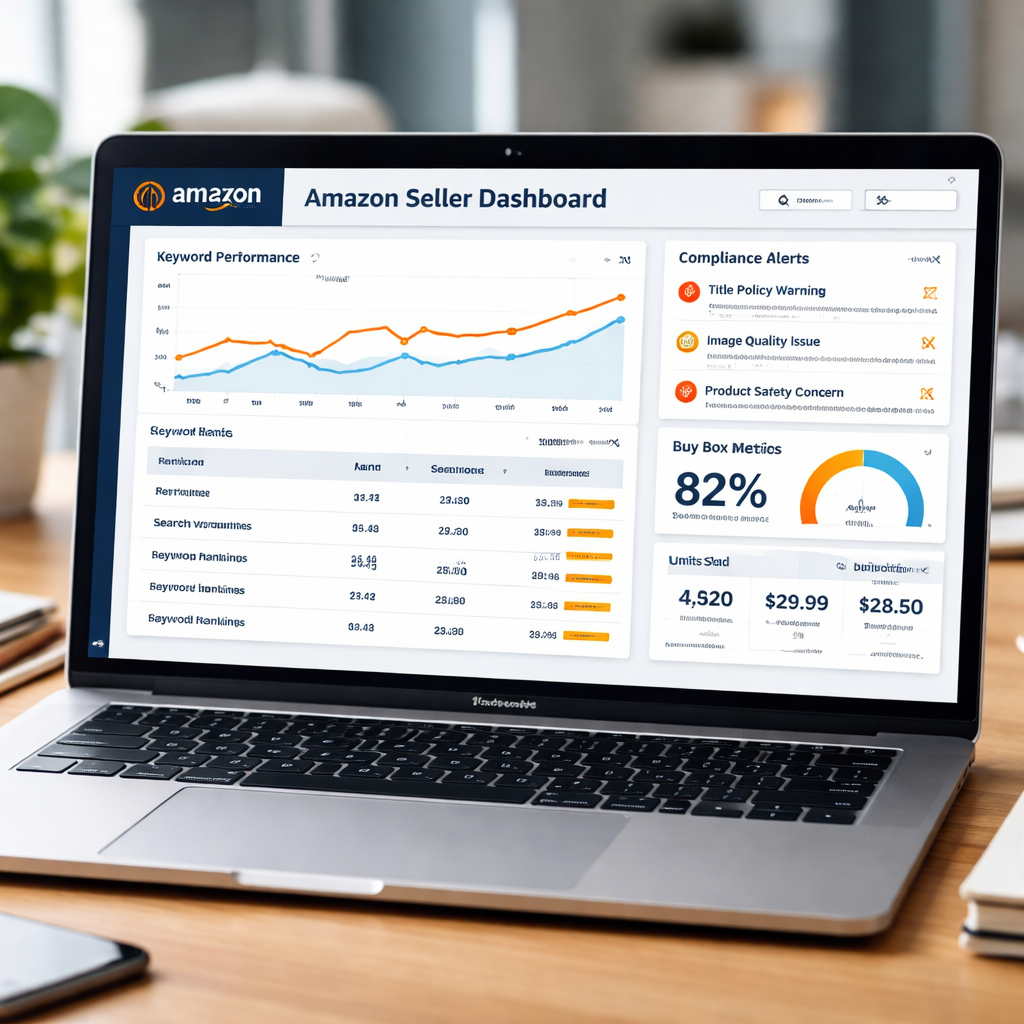
In the video you’ll see a dashboard that shows keyword health, compliance status, and Buy Box trends all in one place.
Why we put this service at the top of the list:
- API connected: data flows straight from Amazon to your listings.
- Data driven: decisions are based on real time metrics, not guesswork.
- AI assisted: the engine suggests the best terms and flags issues.
- Expert supervised: a team reviews changes before they go live.
- Scalable: it handles catalogues of any size, from a few dozen to tens of thousands of ASINs.
Many large brands find that moving to a continuous service cuts the time spent on manual edits by more than half. If you’re ready to stop chasing the algorithm, a premium service like this gives you a steady stream of traffic and compliance peace of mind.
For a deeper dive into how Amazon’s own SEO guidelines shape keyword strategy, check out Amazon SEO best practices.
If you want to see real world results, the ScaledOn case studies page shares examples of brands that lifted organic growth after fixing their listings.
Keyword Research for Amazon Listings
1. Grab your brand name first
Put your brand and model right at the start of the title. Shoppers type it straight in, so you get an instant match. It also helps amazon seller SEO services know which ASIN belongs to you.
2. Pull data from Amazon Brand Analytics
The tool shows what real shoppers type. Look for terms that rank high and have a decent search volume. You can export the report and sort by search volume to spot hidden gems. Amazon SEO best practices guide explains how to read the data and pick the right words.
3. Test simple variations
Try adding an “s”, a hyphen, or a colour word. One small change can push a term from rank 40,000 to under 500. A quick test in the search bar will show you the suggestions Amazon gives.
4. Fill the backend search terms
Backend fields are hidden from buyers but they feed the A9 algorithm. Use synonyms, misspellings, and long‑tail phrases here. You only get 249 bytes, so be selective and avoid repeats.
5. Keep the list fresh
Amazon’s trends shift every season. Set a rule to pull new keyword data each month and swap out old terms. Refresh the list at least once a quarter to align with seasonal demand spikes. A rotating list stops your listings from getting stale and keeps your amazon seller SEO services effective.
6. Spy on competitor terms
Search for a similar product and note the words in its title and bullets. Those terms often have proven sales. Add the ones that fit your own list, but keep it natural.
Do this work early and you’ll see more clicks, more sales, and a steadier Buy Box win rate. And remember, the more relevant your keywords, the easier Amazon’s A9 will hand you the Buy Box.
Optimizing Titles, Bullets & Backend Search Terms
A perfect title can turn a scroll into a sale.
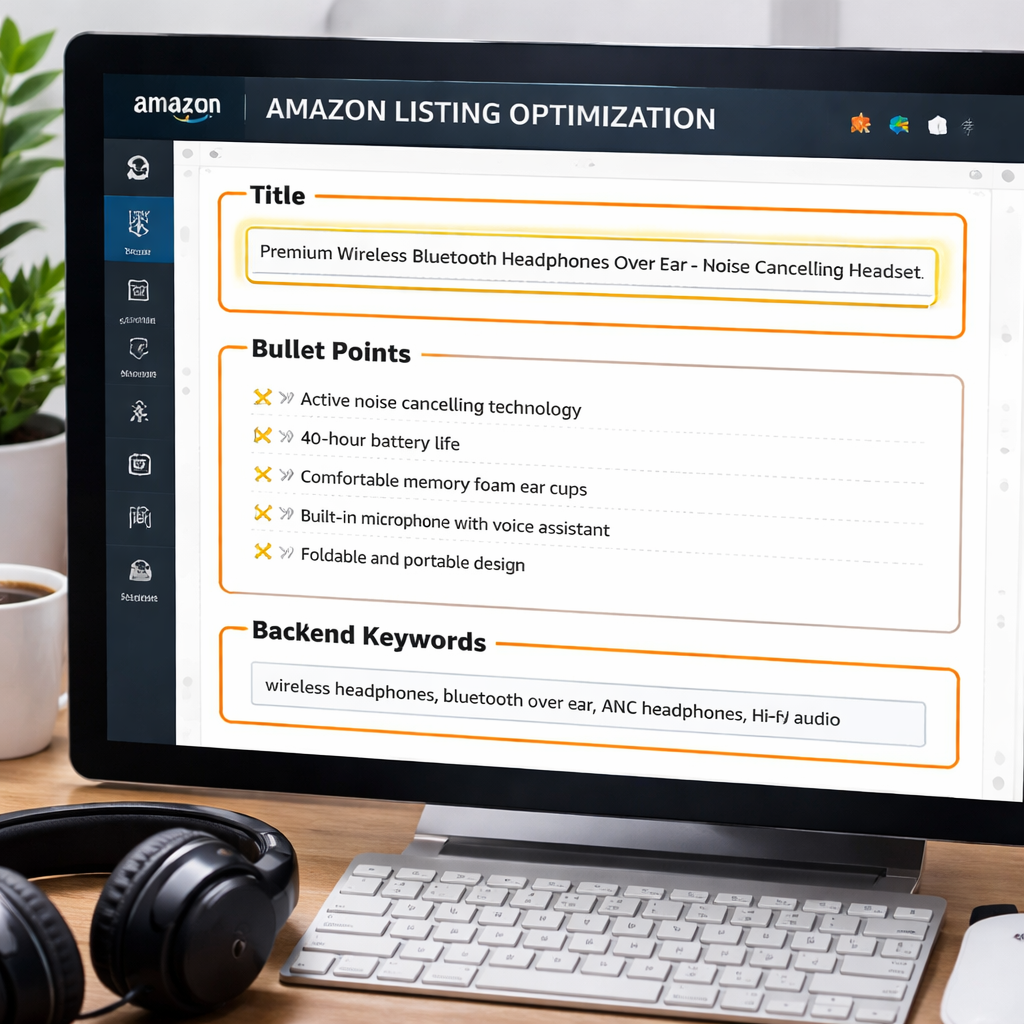
1. Brand + product first, then keywords
Put your brand name at the start, followed by the product type and the most important search term. A kitchen‑tool example: “ChefPro Stainless Steel Garlic Press, Heavy‑Duty, Easy‑Clean”. The brand and type show up right away, and the keyword “garlic press” gets indexed.
2. Keep the title clean and readable
Amazon shows about 70 characters on mobile, so front‑load the high‑value words. Avoid filler like “best” or “awesome”. Use plain language; “Heavy‑Duty” tells a buyer what they get.
3. Bullet points need benefit‑feature‑outcome
Each bullet should start with a benefit, then a feature, then the result. Example: “Stay sharp, Premium steel blade stays sharp for months, Cuts vegetables cleanly every time.” This pattern matches what the A9 algorithm looks for and lifts conversion.
4. Backend search terms are your hidden safety net
Fill the 250-byte field with synonyms, misspellings and long‑tail phrases. For the garlic press, add “garlic crusher garlic mincer kitchen press stainless garlic tool”. No commas, just spaces, and don’t repeat words already in the title or bullets.
5. Test, track, repeat
Run a quick search test in the Amazon bar. If the listing appears for a phrase you added in the backend, you’ve hit a win. Use a tool like the one described in Amazon SEO best practices to monitor ranking changes every 30 days. Conversion rate matters too; the Amazon SEO optimization guide explains why it drives rankings.
Pro tip: rotate three to five high‑performing keywords each month to stay ahead of seasonal shifts.
Here’s a quick checklist you can copy into a spreadsheet.
| Area | Key Action | Why it matters |
|---|---|---|
| Title | Brand + product + top keyword first | Boosts indexing and click‑through |
| Bullets | Benefit‑feature‑outcome format | Improves conversion signals |
| Backend | Synonyms, misspellings, long‑tails | Expands searchable space without clutter |
Keep this routine on a quarterly cadence. A fresh title, crisp bullets and a packed backend keep your amazon seller SEO services working hard for you.
Remember, the algorithm rewards relevance and performance together, so treat titles, bullets and backend as a single ecosystem.
Sponsored Ads Integration & Ongoing Performance Tracking
When you add Sponsored Ads to a listing, the traffic boost can disappear fast if the page isn’t ready for the extra clicks.
1. Sync ad keywords with your SEO backend
Pull the top‑performing ad keywords from the SP‑API each night. Then write them into the hidden search‑term fields. This way the ad spend feeds the organic rank instead of fighting it.
2. Track ACOS and conversion together
Set up a simple dashboard that shows ACOS next to the Buy Box win rate. If ACOS spikes above 30 % and the Buy Box drops, flag the ASIN for a quick title or bullet tweak.
3. Run a 7‑day “ad‑only” test
Turn off the ad for one week while keeping the listing the same. If sales stay flat, the ad was the main driver. If they fall, the listing itself needs work.
4. Use a “budget‑by‑performance” rule
Allocate more daily spend to ASINs whose conversion rate is above 5 % and whose keyword relevance score (from the SEO tool) is in the top quartile. Pull the data from the same API feed you use for keyword refresh.
5. Review data every 30 days
Every month run a report that compares ad impressions, click‑through, and organic rank change. Spot ASINs where the ad lifted rank but the organic rank fell after the ad stopped. Those are prime candidates for a permanent SEO tweak.
SupplyKick notes that tying ad spend to keyword health can cut wasted spend by up to 20 % while improving organic visibility.
Action step: create a spreadsheet with columns for ASIN, ad keywords, backend terms, ACOS, and Buy Box win rate. Fill it each week and let the numbers tell you where to tweak next.
Set an automated email alert in your platform so that whenever ACOS climbs 5 % over the baseline, a ticket is opened for the SEO team to review the listing.
Sponsored Brands cards can also feed the keyword pool. Pull the headline phrase from each winning ad and add it as a synonym in the backend. That small step often nudges the organic rank higher within weeks.
Conclusion
You've seen how a continuous Amazon seller SEO service can keep your catalogue visible, compliant, and converting.
When data shows an ACOS rise, a quick tweak to the title or backend terms can stop the bleed. When a new ad keyword spikes, copy it into the hidden search‑term field and watch the organic rank lift.
Here’s a simple habit: every Monday, pull the latest keyword report, add any fresh phrase to your backend, and flag the ASIN if its Buy Box drops.
Need a deeper look on compliance rules that affect toys and other regulated items? Check out Amazon Toy Compliance 2026: What the Annual TIC... for a quick guide.
And if you want a fresh perspective on event‑focused marketing, you can explore Your Complete Guide to Photo Booth Rental Temecula for Unforgettable Events.
Start building the habit today and let the data do the heavy lifting. Your listings will stay ahead of the algorithm without you chasing every change.
FAQ
What are amazon seller SEO services and why do I need them?
Amazon seller SEO services are a set of tools and processes that keep your product pages visible in Amazon search. They tweak titles, bullets, and hidden terms so the algorithm can match shoppers’ queries. Without them your listings can slip down the list, lose clicks, and see sales drop. A steady flow of fresh, relevant keywords helps you stay in front of buyers every day.
How often should I update my product listings with new keywords?
Most experts suggest a weekly refresh for high‑volume SKUs and a monthly check for the rest of the catalogue. Pull the latest search‑term data from the SP‑API, compare it to what you already use, and replace any stale phrases. A quick rule of thumb: if a keyword’s rank moves more than a few spots, add it within the next seven days.
Can amazon seller SEO services help with Buy Box protection?
Yes. By keeping your content accurate and your price competitive, the service reduces the chances of the Buy Box slipping away. When a drop is detected, an automated rule can tweak a bullet or add a missing attribute, then push the change back to Amazon. The result is a faster response than a manual edit, which can keep your win rate steady.
What role does compliance monitoring play in SEO for Amazon?
Compliance checks make sure every required attribute is filled and that no policy is broken. Missing safety info can cause a listing to be suppressed, which instantly kills organic traffic. A continuous service scans for gaps, alerts you, and can even add the needed data automatically, so your SEO work never gets undone by a compliance hold.
How does the SP‑API fit into a continuous optimization workflow?
The SP‑API is the bridge that pulls real‑time data from Amazon and pushes your edits back in. It feeds keyword reports, Buy Box stats, and compliance alerts into the optimization engine. Because the connection is live, the system can act on changes the moment they happen, keeping your catalogue in sync with the marketplace without you opening a spreadsheet.
What should I look for when choosing an amazon seller SEO provider?
Look for a provider that is API‑connected, data‑driven, AI‑assisted, and has expert supervision. The service should scale from a few dozen to thousands of ASINs and offer clear logs of each change. Ask how they handle compliance alerts and whether they can set up automatic Buy Box rules. A provider that meets these points will save you time and protect revenue.
Want this done for your catalogue automatically?
Get a free catalogue scan