
10 Proven Strategies for Amazon Listing Optimization Pricing in 2026
You’re probably paying more than you need to for Amazon listing optimization. The price tag can jump from a few hundred dollars to several thousand, and most sellers never see why.
Hidden fees creep in when you rely on manual tweaks or fragmented tools. A tiny change in an image or bullet point might cost a contractor an hour, yet the impact on conversion can be huge. Imagine you run a catalog of 5,000 SKUs – fixing each manually could drain resources fast.
One way to cut waste is to adopt a continuous, AI‑assisted workflow. Amazon's OpenAI partnership pricing insights show how semantic evaluation can flag low‑performing listings before they hurt sales, letting you focus spend where it matters.
Here’s a quick three‑step plan: 1) Pull a price‑performance report from your SP‑API. 2) Group listings by margin and rank‑risk, then set a budget tier for each group. 3) Use an AI‑driven audit tool to auto‑suggest copy and image tweaks, then have an expert review the top‑impact changes.
For a totally different budgeting example, check out the Photo Booth Rental for Graduation Party guide. It breaks down cost factors in a clear, step‑by‑step way that mirrors how you can map out listing optimization spend.
1. Our Pick: Dynamic Pricing Software for Amazon Sellers
Dynamic pricing can shave 20%‑30% off wasted ad spend while keeping your Buy Box. You just need a tool that talks to the SP‑API, reads competitor moves, and reacts in seconds.
1. Real-time price monitoring
Pull your ASIN price feed every hour. Compare it to the lowest “Buy Box” price you see on the market. If you’re 5% higher, let the software lower you just enough to stay competitive.
2. Rule-based price adjustments
Set simple rules: if margin falls below 12% increase price by 4%; if inventory is over 6 months drop price by 3%. The steps are easy, write the rule in the UI, test on a few SKUs, then roll out to the whole catalog.
Here’s a quick checklist:
- Pick a margin threshold.
- Choose a price delta.
- Assign the rule to a SKU group.
3. AI-driven competitor intel
Imagine you run 1,200 SKUs of home goods. An AI engine scans the top three rivals, spots a 7% price dip on a best-seller, and nudges your price up just enough to keep profit. That kind of insight stops you from chasing every tiny change manually.
Watch this short video for a visual walk-through of how the engine works:
After you see the flow, set a daily budget cap in the pricing dashboard. This stops surprise spend spikes during flash sales.
4. Transparent pricing models
Many agencies hide fees behind vague retainer rates. Look for tools that charge a clear per-SKU or per-adjustment fee. A recent guide on agency pricing highlights why transparent models save you from surprise invoices.transparent pricing models
Putting it all together: start with real-time monitoring, add rule-based tweaks, layer AI intel, and lock in a clear cost structure. Your catalog stays priced right, your spend stays predictable, and you get back time to grow other parts of the business.
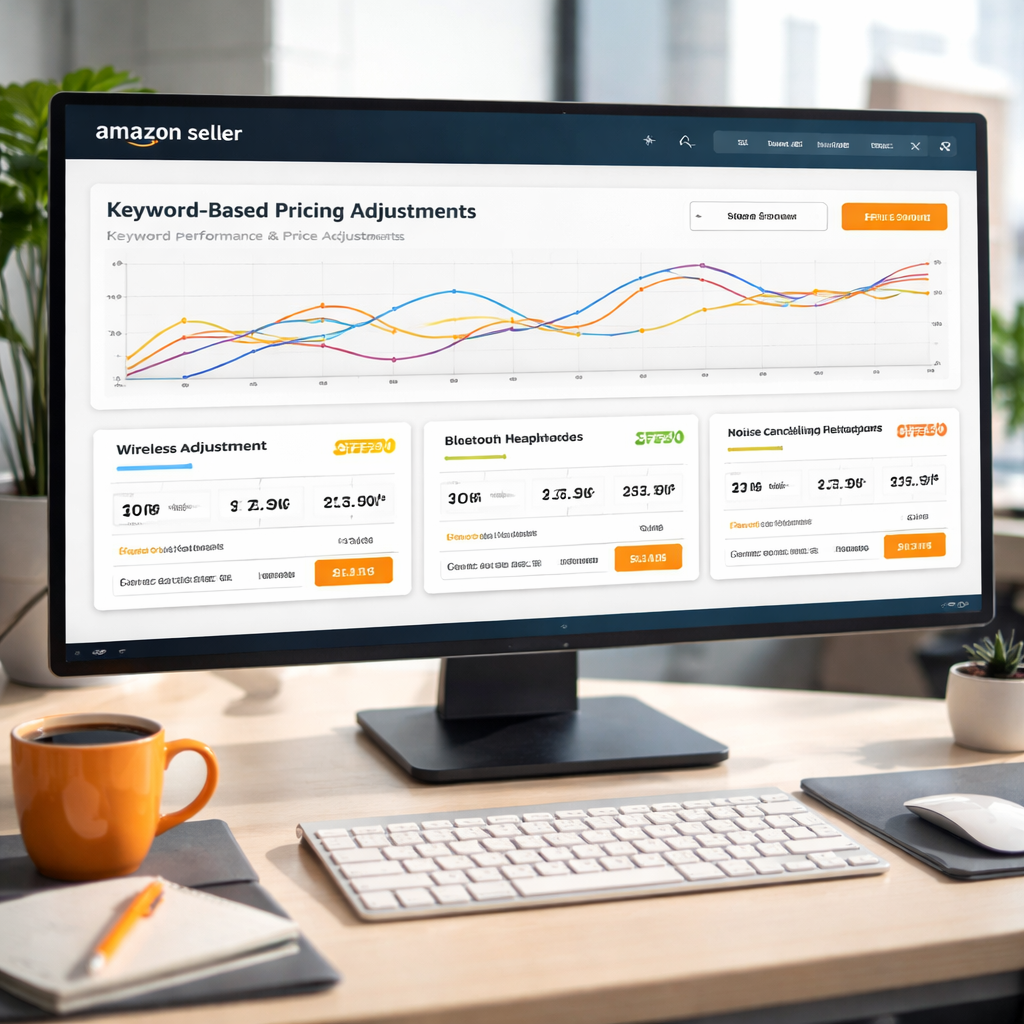
2. Leverage Keyword‑Based Pricing Adjustments
When a shopper types a keyword, that query tells you exactly what they're willing to pay. If you tie your price to that signal, you stop guessing and start reacting.
1. Map keywords to price tiers
Pull the top 10 search terms for each ASIN from the SP‑API. Rank them by monthly volume. For the highest‑volume term, set a price that still meets your margin floor. For lower‑volume terms, you can afford a small discount to win the Buy Box.
Boardfy notes that the Buy Box often decides between sellers who price just a few cents apart. Buy Box dynamics show why a tight link between keyword demand and price can keep you in the slot.
2. Use keyword performance data to trigger rules
Create a rule: if a keyword’s conversion rate climbs above 3%, raise price by 2%. If the rate falls below 1.5%, drop price by 1%. The rule runs automatically each morning.
SellerSprite explains that keyword search volume and purchase rate are the clearest signals of buyer intent. Keyword research insights help you set realistic thresholds.
3. Test, measure, tweak
Start with a pilot of 50 SKUs. Track margin, sales velocity, and Buy Box share for two weeks. If the margin stays above your target and sales rise, roll the rule out to the whole catalog.
Here’s a quick checklist you can copy:
- Identify top keywords per ASIN.
- Assign price delta per conversion tier.
- Set automation schedule in your pricing tool.
- Review results weekly and adjust thresholds.
Platforms like Amazon Listing Optimization at Scale make it easy to plug these rules into a dashboard you can audit.
For a broader view of how pricing fits into event budgets, check out Your Complete Guide to Photo Booth Rental San Diego. It breaks down cost factors step by step, which mirrors the way you break down keyword‑based price layers.
Another useful resource is Mirror Photo Booth Rental: 7 Must‑Know Tips for an Unforgettable Event. While it’s about booths, the tip‑list format can inspire your own pricing checklist.
3. Master the Buy Box with Competitive Price Monitoring
Winning the Buy Box isn’t magic. It’s about watching rivals in real time and nudging your price just enough to stay ahead.
1. Set a tight price band
Pick a margin floor you won’t break. Then tell your pricing engine to stay within a few cents of the lowest Buy Box price. A narrow band keeps you visible without eating profit.
2. Trigger alerts on competitor moves
When a top seller drops 3% on the same ASIN, your system should ping you. You can then decide to match, undercut, or hold if your inventory is safe.
3. Use Amazon’s automated pricing tool
Amazon offers a built‑in rule engine that can adjust prices every hour. It’s a good safety net if you’re just starting out. Amazon’s automated pricing tool lets you set minimum and maximum thresholds so you never slip below cost.
4. Review the Buy Box share daily
Pull the Buy Box win rate from the SP‑API each morning. If it drops more than 5% overnight, investigate the price delta and any new promotions from rivals.
5. Keep a simple checklist
Run this quick audit before you close the day: margin floor, price band, alert rules, API pull, and a 5‑minute review of any spikes.
| Feature | How to monitor | Quick tip |
|---|---|---|
| Margin floor | Set in pricing UI | Never go below 12% profit |
| Price band | Compare to lowest Buy Box price | Stay within ±3¢ |
| Alert cadence | Hourly API check | Use Slack or email alerts |
4. Optimize Pricing with Seasonal and Inventory Insights
Seasonal swings can wreck a price if you ignore them.
1. Match sales cycles to stock levels
Pull last year’s sales data from the SP‑API. Spot the months when demand jumps – think back‑to‑school or Prime Day. Then order a bit more early and set a modest price rise a week before the peak. That way you keep the Buy Box without over‑stocking.
2. Use inventory‑age rules
If an SKU has sat for over 90 days, drop its price by 3‑5% to move it before it becomes dead stock. If the same SKU is still selling fast, keep the price steady or nudge it up a cent.
For a deeper dive on how to scale this, see Amazon Listing Optimization at Scale.
3. Tie seasonal events to price bands
Set a rule: during a known event, stay within ±2¢ of the lowest Buy Box price. Outside the event, widen the band to ±4¢. The tighter band during high traffic helps you win the box; the looser band later protects profit.
4. Build a quick‑check dashboard
Every morning pull two numbers: inventory turnover (units per day) and upcoming seasonal dates. If turnover slows and a holiday is near, the dashboard should flag a price‑adjustment prompt.
Need a real‑world example of how a price tweak fits a larger plan? Check out Everything You Need to Know About 360 Video Booth Rental for a clear guide on timing and pricing.
5. Review and refine weekly
Mark the day you change a price. A week later, compare sales, margin, and stock on hand. If margin fell below your floor, raise the price back. If stock is piling up, keep the discount longer.
Following these steps gives you a data‑driven loop that keeps your catalogue lean, your margins safe, and your prices in sync with what shoppers actually want.
Conclusion
We've walked through how to keep your Amazon prices tight, how to tie them to inventory and seasonal cues, and how a quick‑check dashboard can flag the right moves.
Remember, pricing on Amazon isn't a set‑and‑forget task. It needs a daily pulse on the Buy Box, margin floors, and upcoming events. A small tweak of a few cents can protect profit or win sales.
So, what's next? Put the loop you built into a continuous system. A solution that pulls SP‑API data, runs AI checks, and lets experts fine‑tune the rules will keep your catalogue lean and your margins safe. Platforms like Marketplacer make that easy by automating the data flow and surfacing the right adjustments.

Start with a quick audit today. Identify your margin floor, set a price band, and watch the dashboard do the rest. Your catalog will stay competitive without endless manual tweaks.
FAQ
How often should I review my Amazon listing pricing?
You should look at your prices at least once a day. A daily check catches tiny shifts in the Buy Box and stops you from over‑pricing before a sale slips away. Pull the latest price feed from the SP‑API, compare it to the lowest competitor price, and flag any item that sits more than a few cents above. Then decide if a small dip will keep the sale.
What is a good margin floor for large catalogues?
Set a margin floor that covers all your costs and still leaves room for profit. For most large catalogues a floor between 10% and 15% works well, but you can tweak it based on product type and shipping fees. Keep the floor in your pricing engine so no rule can push a price below it, protecting you from hidden loss.
How can I use the SP‑API to automate price checks?
The SP‑API gives you real‑time price and inventory data for every ASIN. First, set up an API key and pull the price feed each hour. Next, feed those numbers into a simple script that compares your price to the current Buy Box. If the gap exceeds your rule threshold, the script can send a flag to your pricing tool or even push a small adjustment automatically.
What role does inventory age play in pricing decisions?
Older inventory ties up cash and can become dead stock if you wait too long. A common rule is to drop the price by a few percent once a SKU has sat for 90 days or more. The dip should stay above your margin floor, but it moves the product faster and frees space for new items. Track age in your dashboard to trigger the rule automatically.
How do seasonal events affect my price rules?
Seasonal events like Prime Day or holiday sales can push demand up fast. Before the event, set a tighter price band, say within ±2 cents of the lowest Buy Box, to stay competitive. During the event, watch the margin floor closely; if sales surge, you can afford a small rise to protect profit. After the event, widen the band again to avoid unnecessary price cuts.
What’s the easiest way to avoid Buy Box loss due to price changes?
Losing the Buy Box because of price changes hurts sales fast. The easiest guard is a real‑time alert that pings you when a competitor drops below your price. Set the alert to trigger only if the gap is larger than your allowed delta, so you don’t chase every tiny move. Then you can decide to match, undercut, or hold steady based on inventory health.
Want this done for your catalogue automatically?
Get a free catalogue scan